

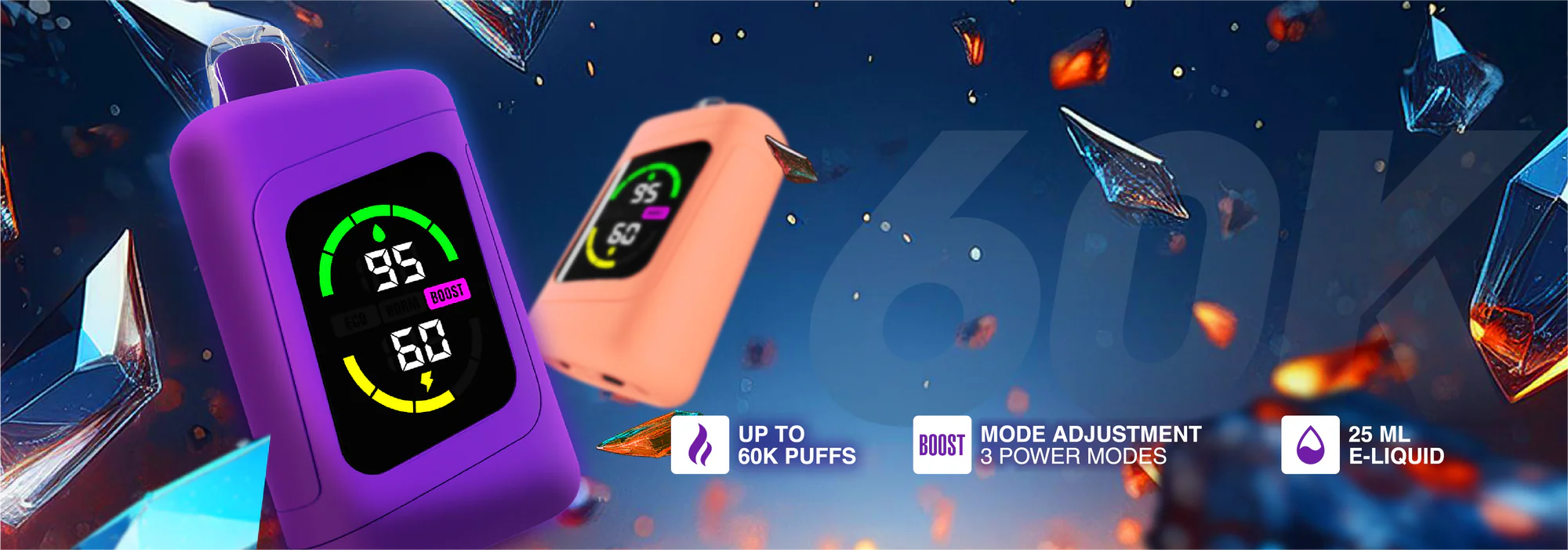







STLTH 60K
Experience up to 60000 puffs from a single device.
-
Lychee Melon Ice - STLTH 60K - 60000puffs
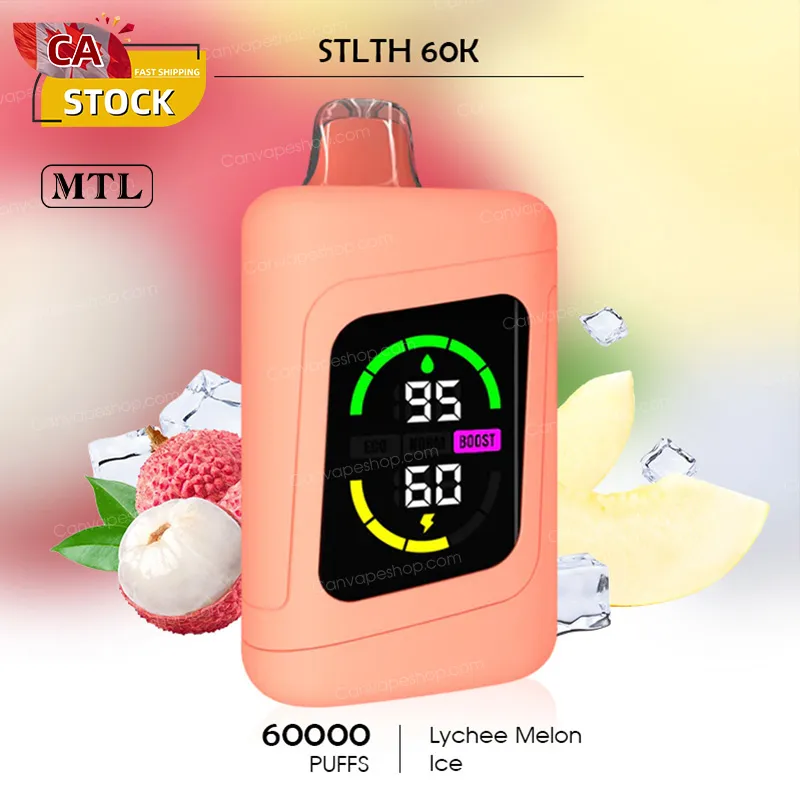
Lychee Melon Ice - STLTH 60K - 60000puffs
$38.00 CAD $49.00 CAD -
Blue Razz Lemon Ice - STLTH 60K - 60000puffs
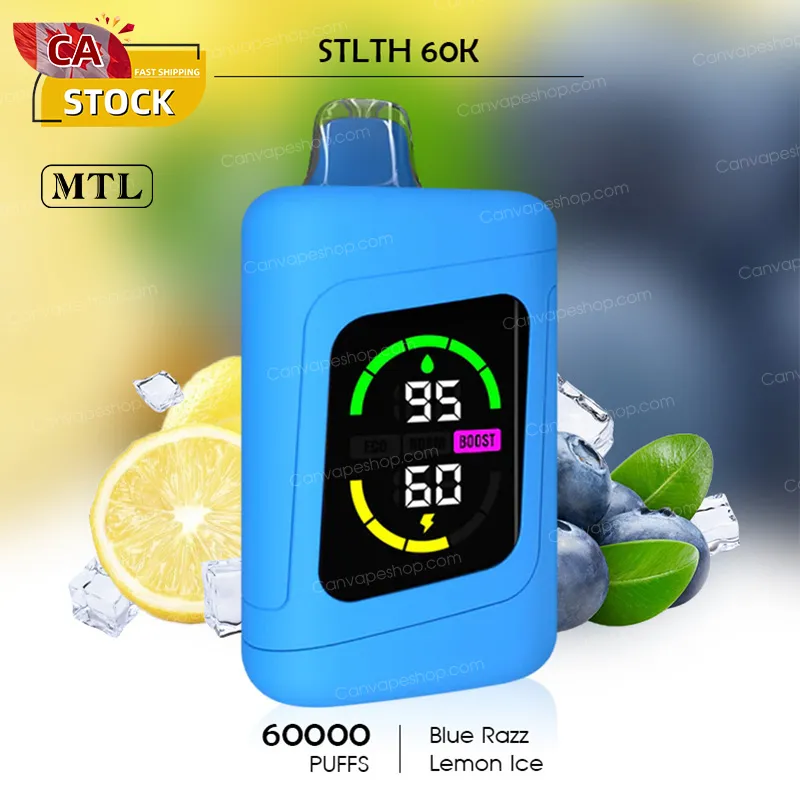
Blue Razz Lemon Ice - STLTH 60K - 60000puffs
$38.00 CAD $49.00 CAD -
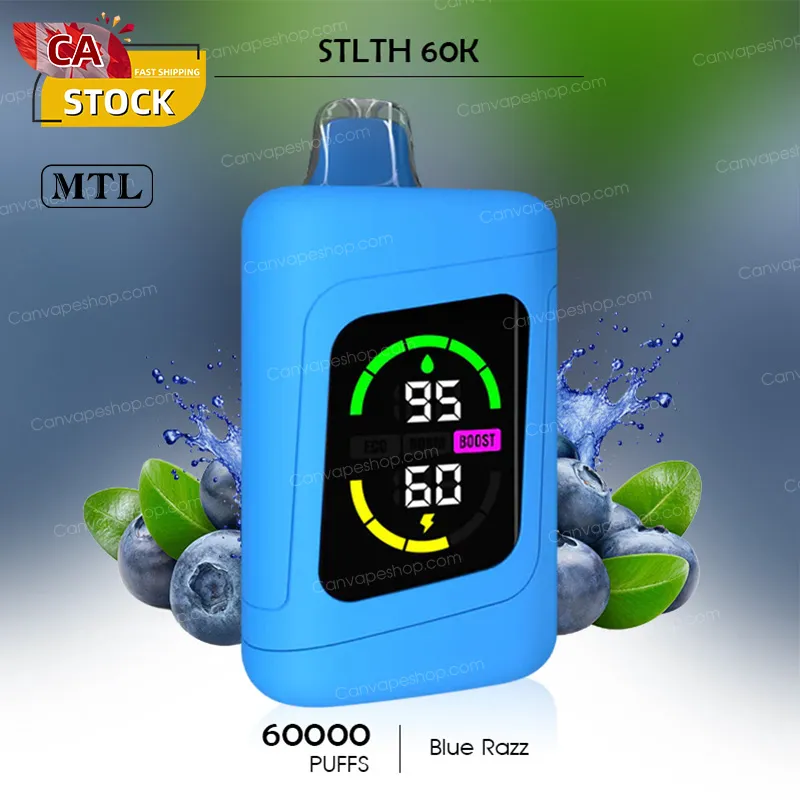
Blue Razz - STLTH 60K - 60000puffs
 Save $11.00 CAD
Blue Razz - STLTH 60K - 60000puffs
$38.00 CAD $49.00 CAD -
Cherry Classic Ice - STLTH 60K - 60000puffs
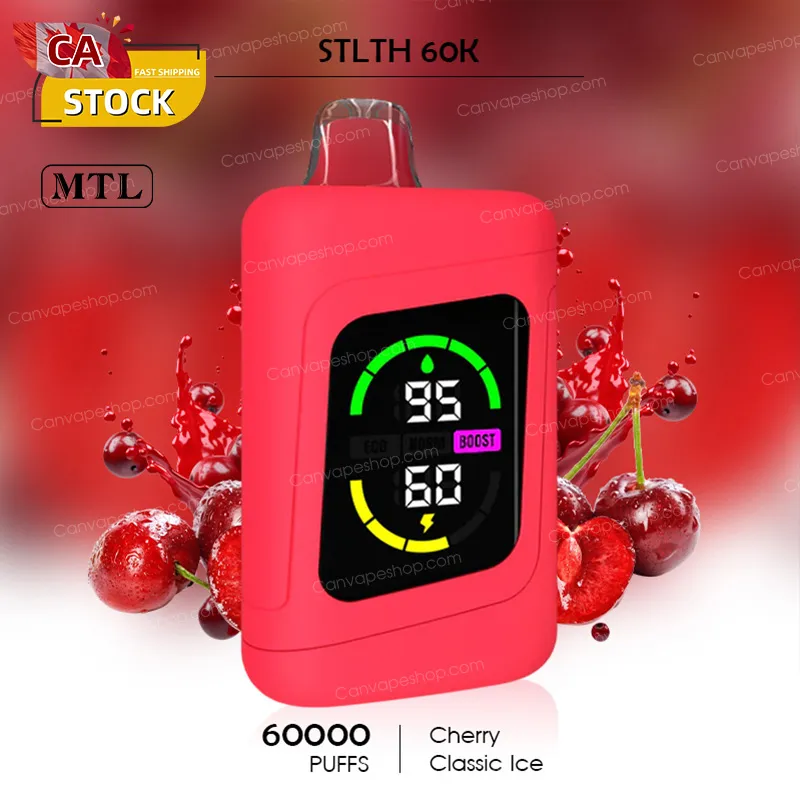
Cherry Classic Ice - STLTH 60K - 60000puffs
$38.00 CAD $49.00 CAD -
Coco Banana Ice - STLTH 60K - 60000puffs
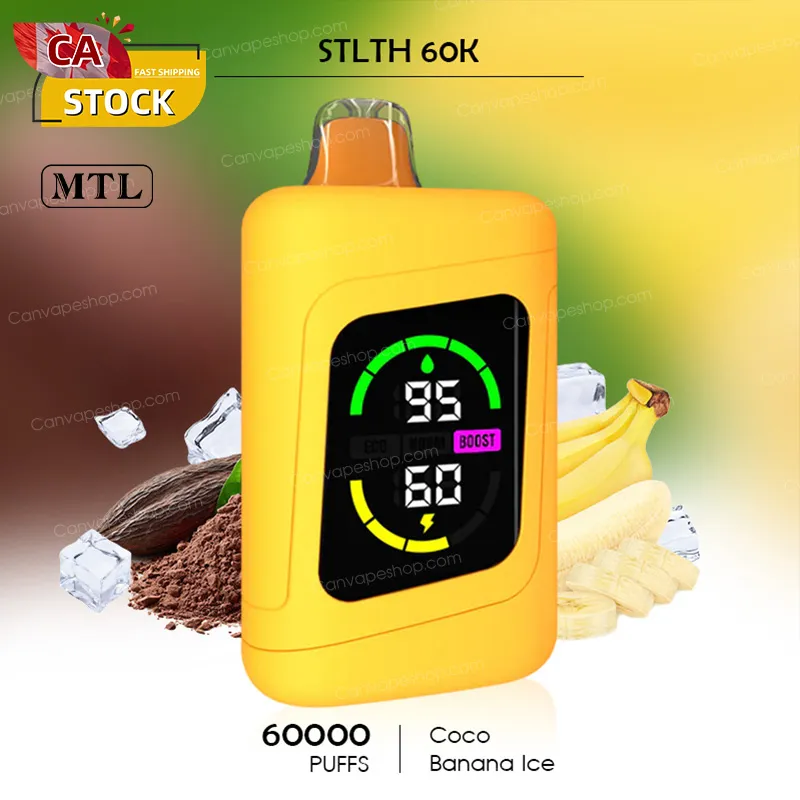
Coco Banana Ice - STLTH 60K - 60000puffs
$38.00 CAD $49.00 CAD -
Green Apple Ice - STLTH 60K - 60000puffs
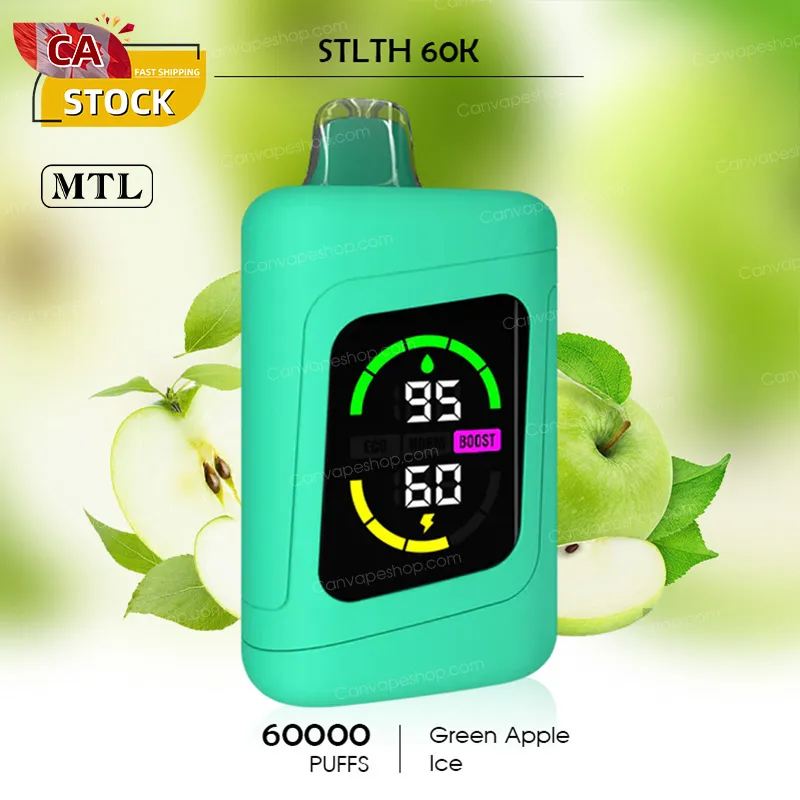
Green Apple Ice - STLTH 60K - 60000puffs
$38.00 CAD $49.00 CAD -
Juicy Peach Ice - STLTH 60K - 60000puffs
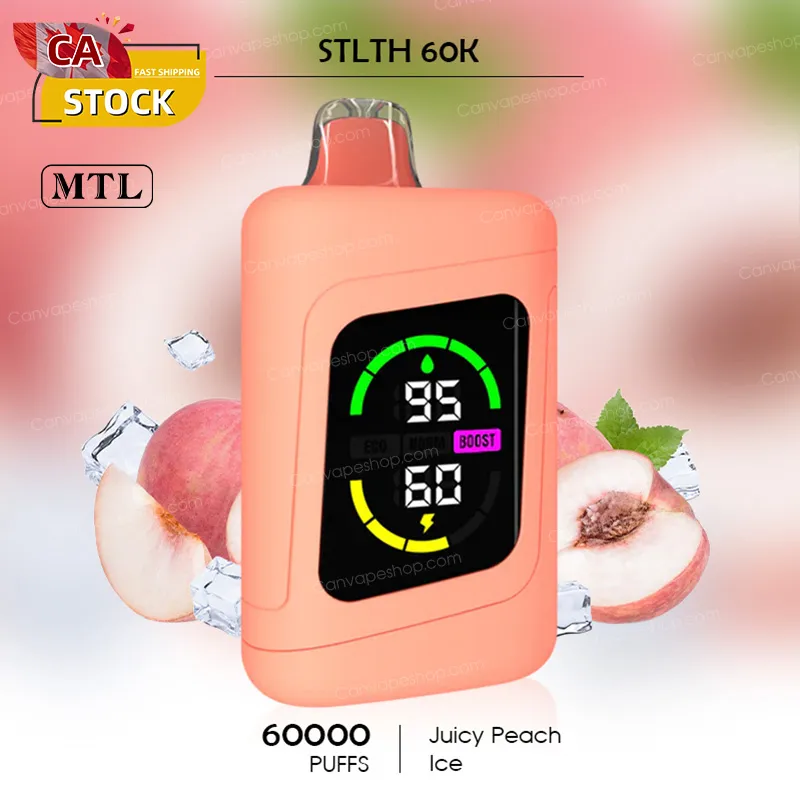 Save $11.00 CAD
Juicy Peach Ice - STLTH 60K - 60000puffs
$38.00 CAD $49.00 CAD -
Maui Punch Ice - STLTH 60K - 60000puffs
Maui Punch Ice - STLTH 60K - 60000puffs
$38.00 CAD $49.00 CAD -
Double Apple Shisha - STLTH 60K - 60000puffs
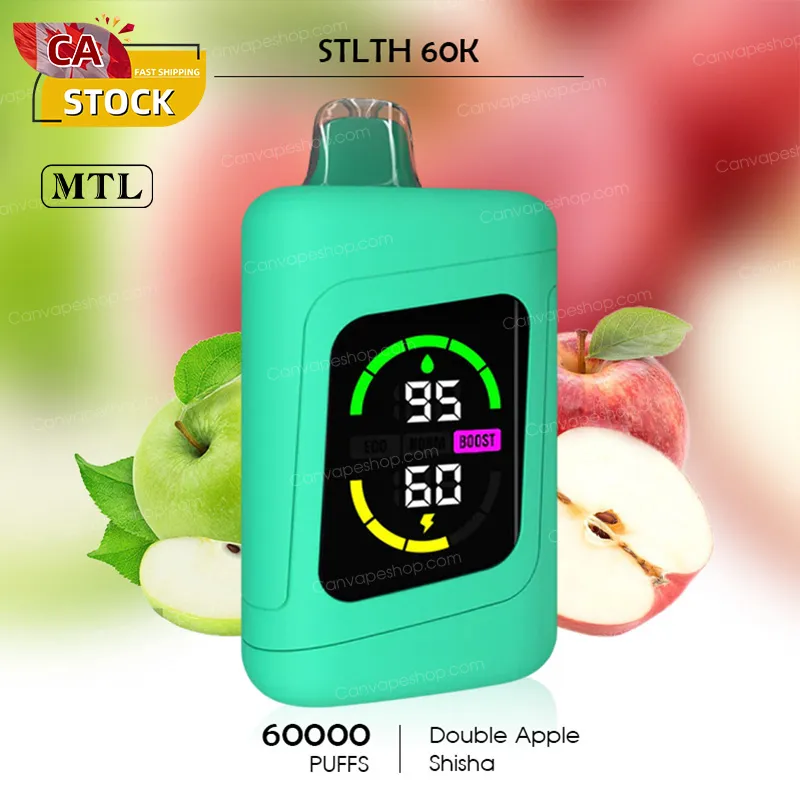
Double Apple Shisha - STLTH 60K - 60000puffs
$38.00 CAD $49.00 CAD
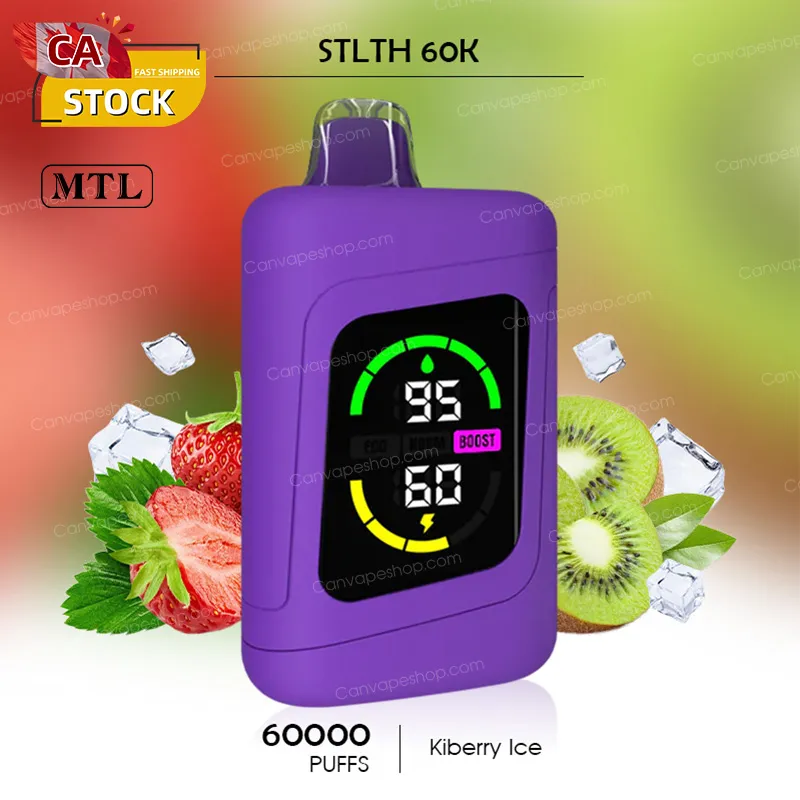
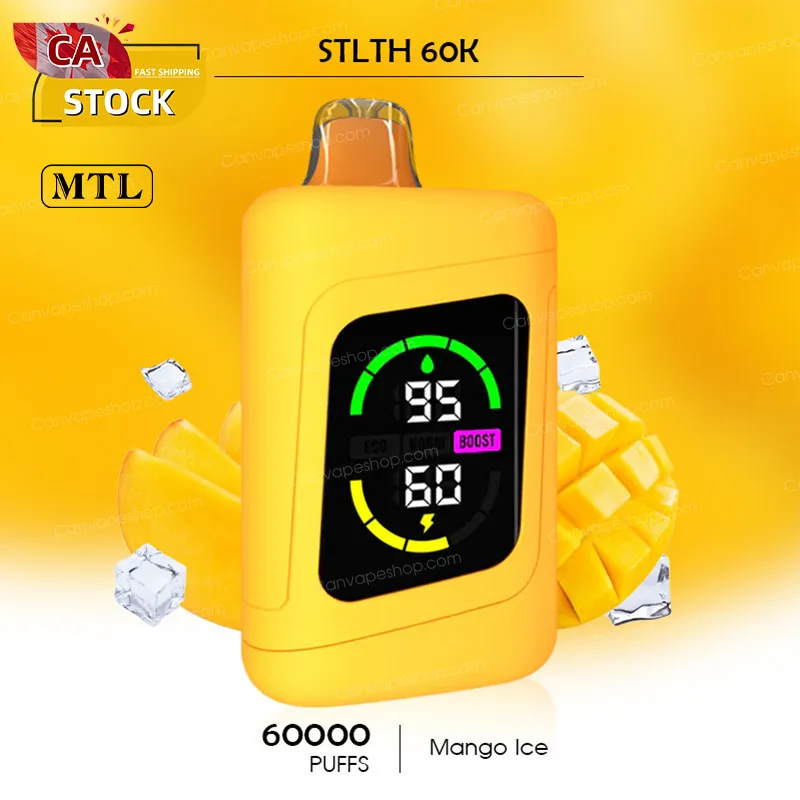
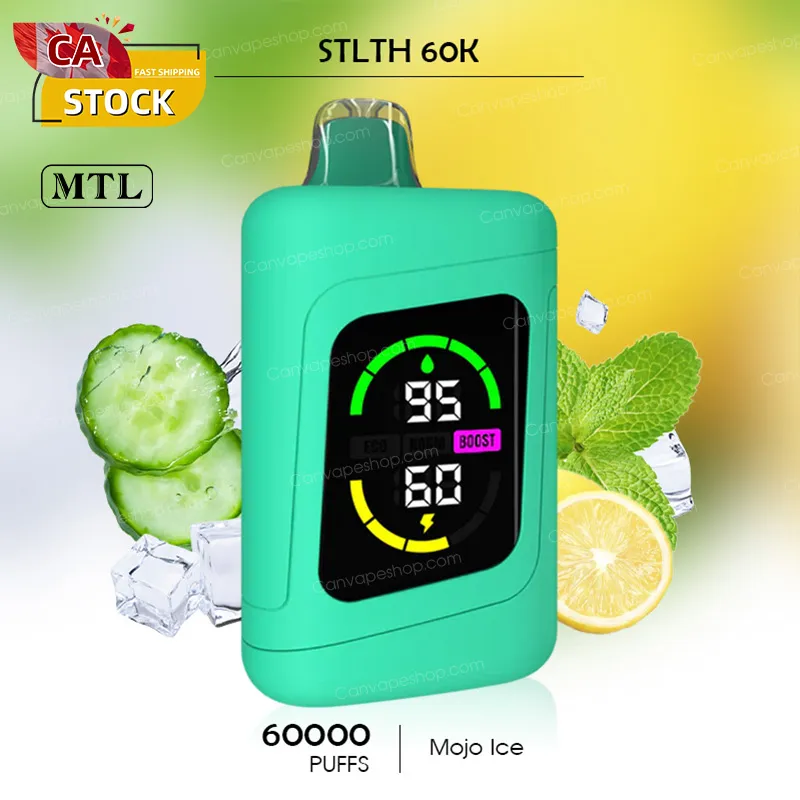
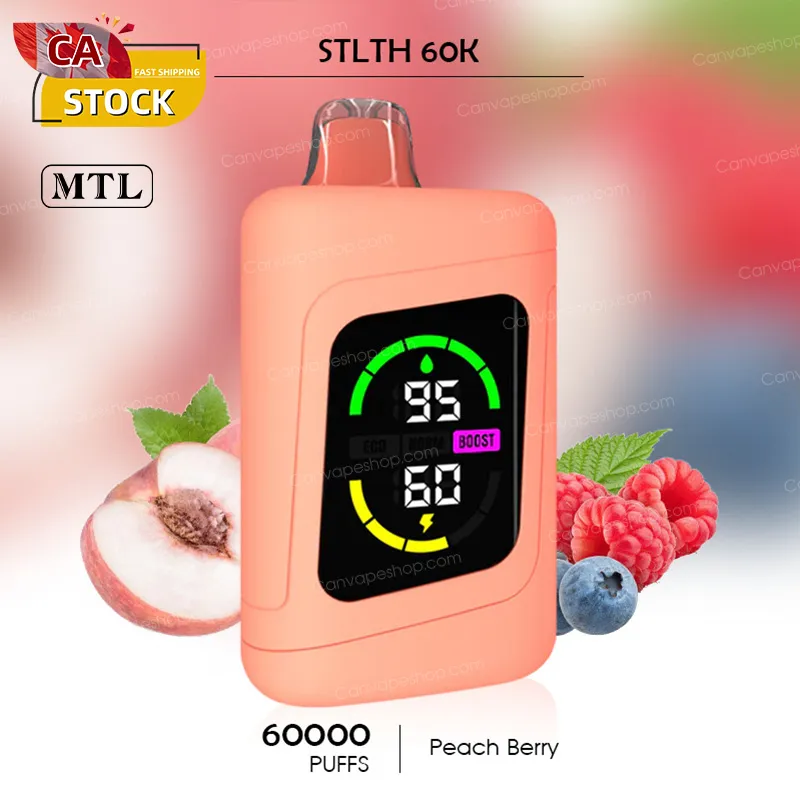
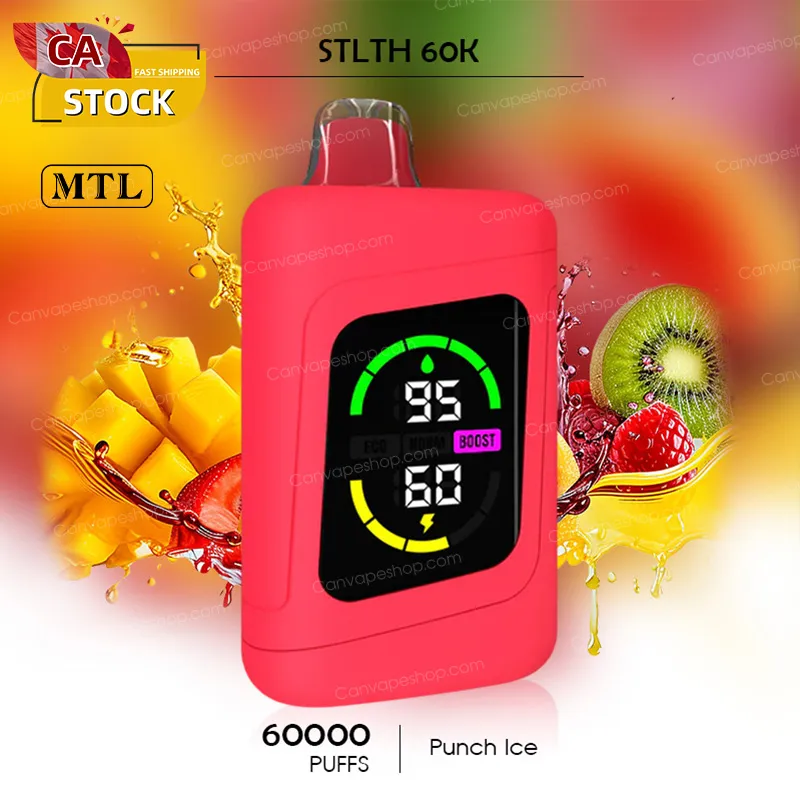
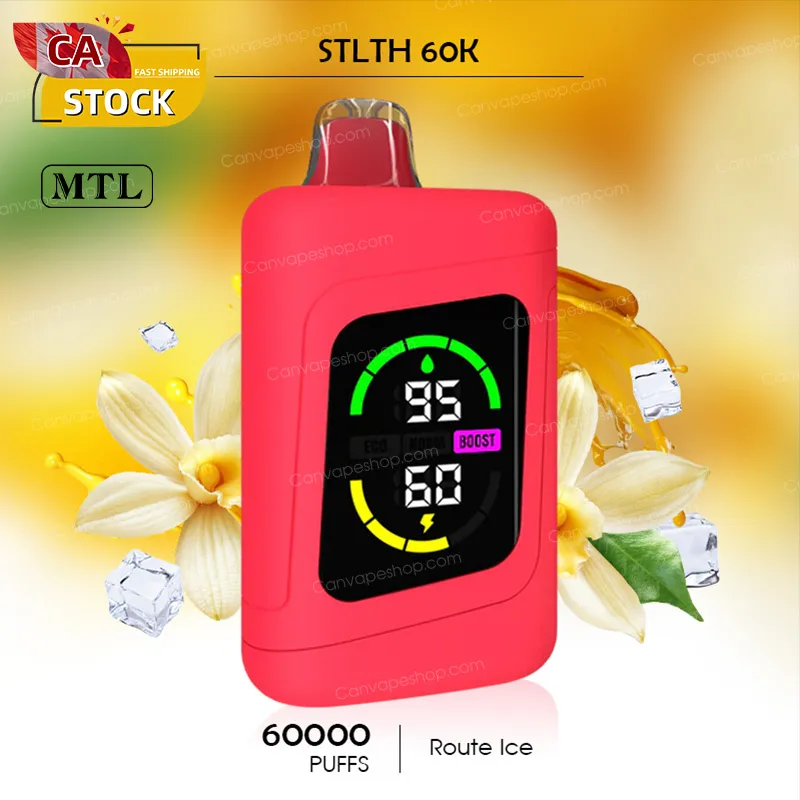
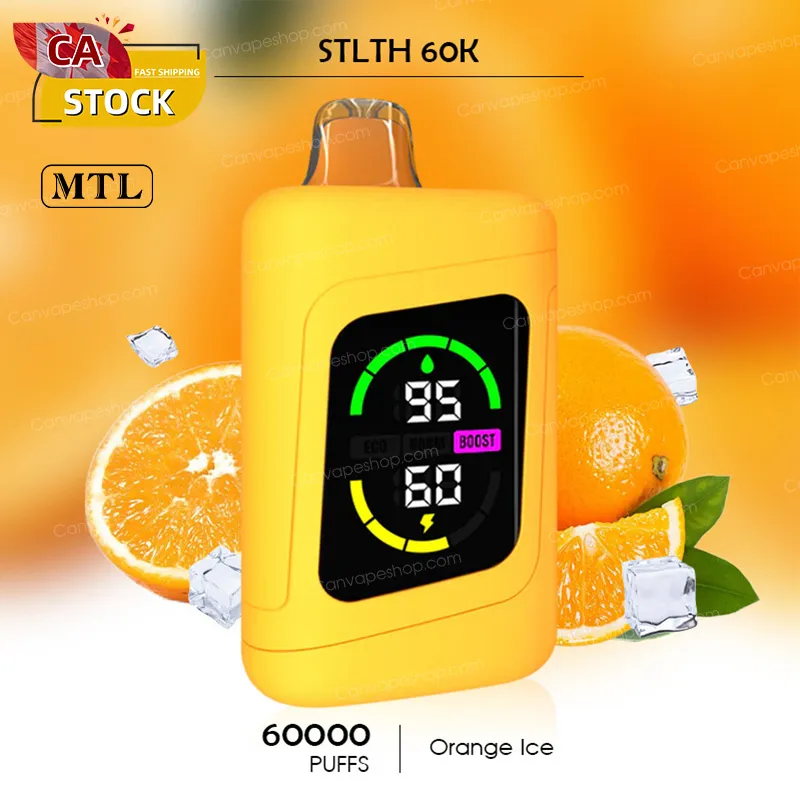
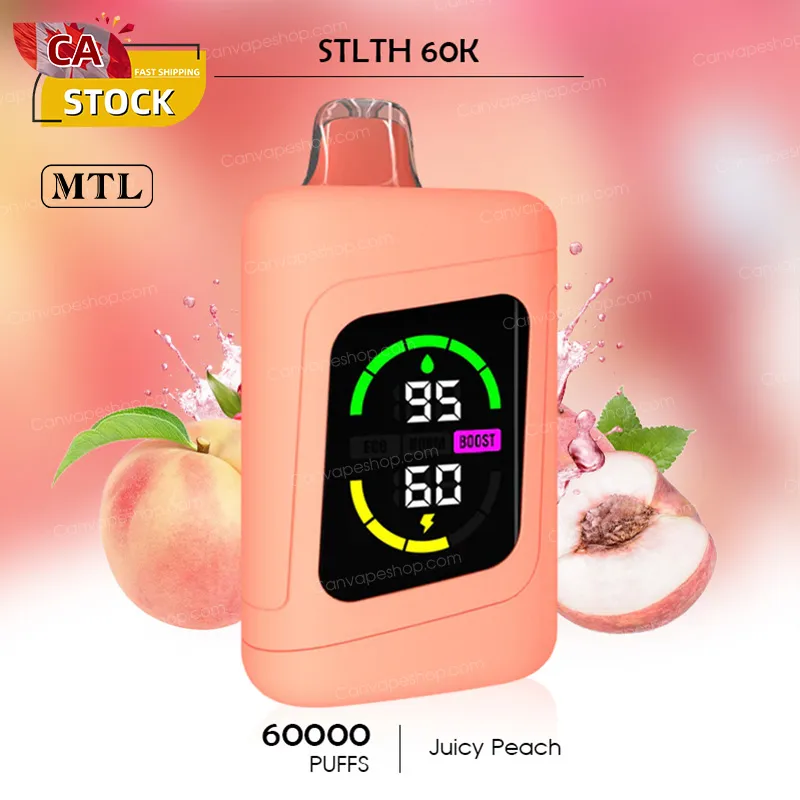
PACKAGE
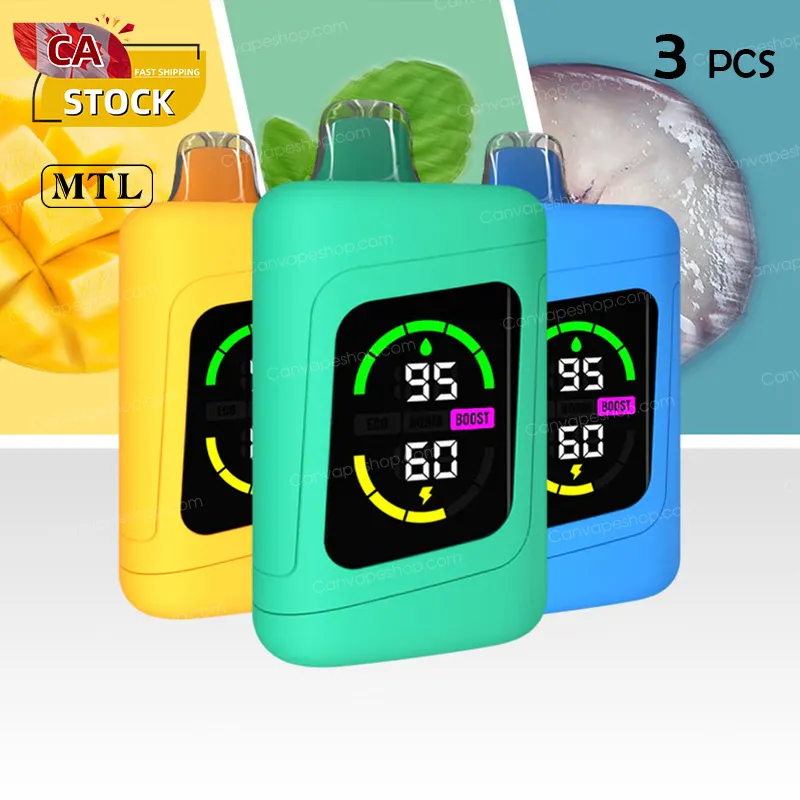
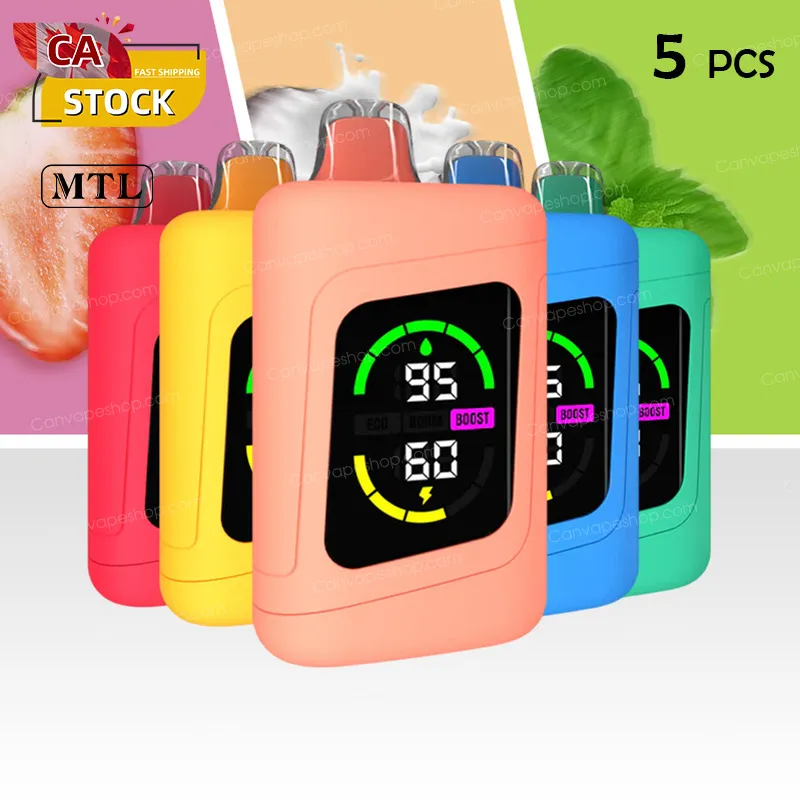
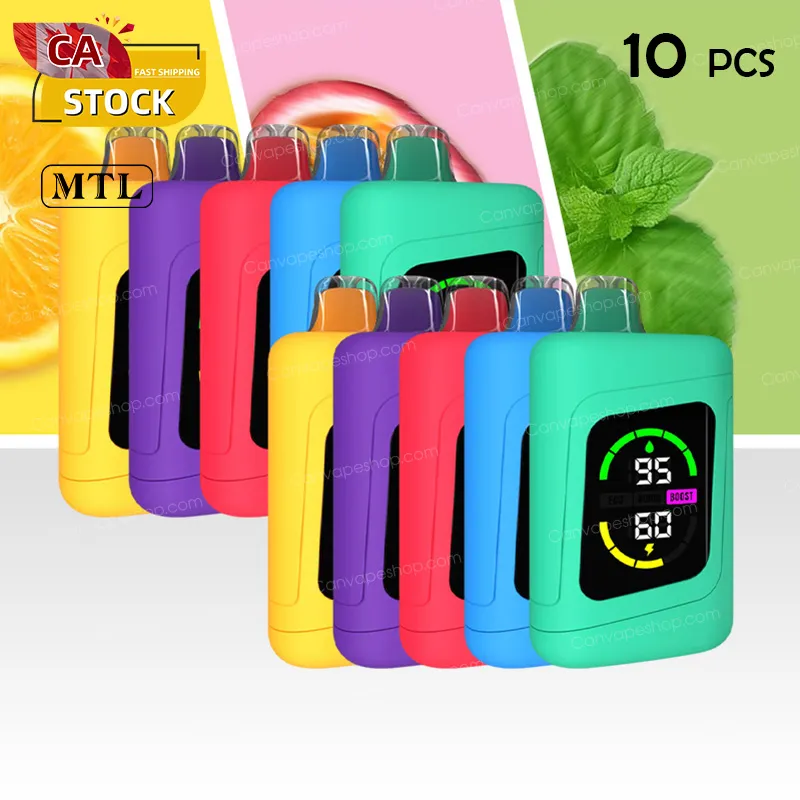
The STLTH 60K offers three customizable modes to precisely tailor your vaping experience:
-
Eco Mode: Optimized for longevity and extended use. This mode delivers the lowest power output, ensuring you maximize the 60,000 puff count.
-
Normal Mode: Provides a balanced experience, blending rich flavor with lasting battery life.
-
Boost Mode: Offers the most intense flavour and enhanced vapor production. This mode delivers a richer, more powerful hit, though it will consume e-liquid and battery faster.
The mode is changed via the dedicated Mode Button (usually located near the charging port at the bottom of the device):
-
Click the button once to wake up the screen.
-
Click the button again to cycle between ECO, NORMAL, and BOOST mode. The LED screen will instantly display the mode you select.
The smart digital display keeps you fully informed, eliminating guesswork:
-
Battery Level: Displays the remaining charge percentage (e.g., 10%, 50%, 100%).
-
E-Liquid Level: Displays the estimated percentage or segments of e-liquid remaining.
-
Current Mode: Clearly indicates which of the three output modes (Eco, Normal, or Boost) is active.
A blinking light indicates a safety alert or low battery:
-
Low Battery: If the battery icon flashes, the device has low charge (typically below 10%). Recharge the device immediately.
-
5 Flashes (Safety Cut-Off): The device will flash five times if you continuously inhale for more than 7 seconds (a puff time-out) or if it detects a short circuit. Take shorter draws and ensure the device contacts are dry.
The STLTH 60K uses a powerful 900-1000 mAh battery with USB Type-C fast charging.
-
Charging Time: A fully depleted device usually takes around 1.5 hours to fully charge. The screen will display 100% when complete.
-
Safety Tip: Never vape while the device is charging, and do not leave it unattended while plugged in. Always use a low-voltage USB port (like a laptop or desktop computer).