







STLTH x GEEKBAR
Experience up to 80000 puffs from a single device.
-
Banana Burst Ice - STLTH x GEEKBAR - 80000 bouffées
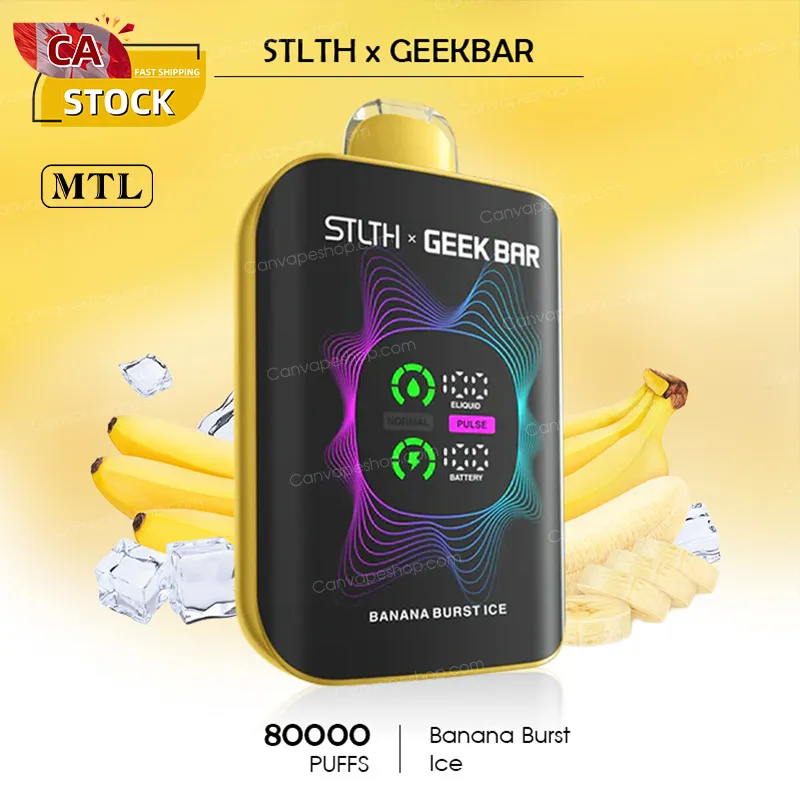
Banana Burst Ice - STLTH x GEEKBAR - 80000 bouffées
$42.00 CAD $55.00 CAD -
Framboise bleue - STLTH x GEEKBAR - 80000 bouffées
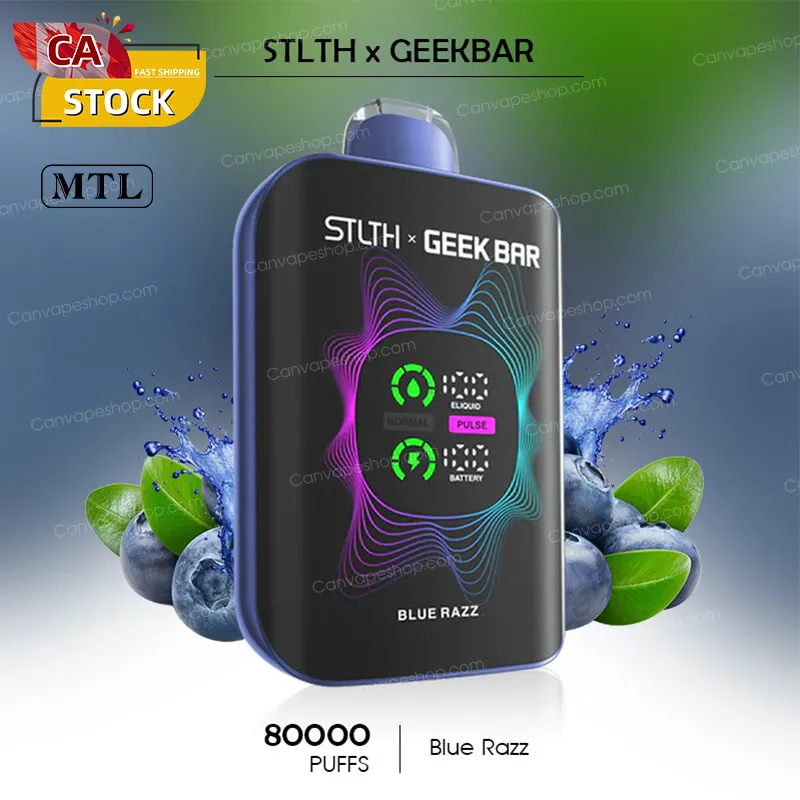
Framboise bleue - STLTH x GEEKBAR - 80000 bouffées
$42.00 CAD $55.00 CAD -
Blueberry Watermelon Ice - STLTH x GEEKBAR - 80000puffs
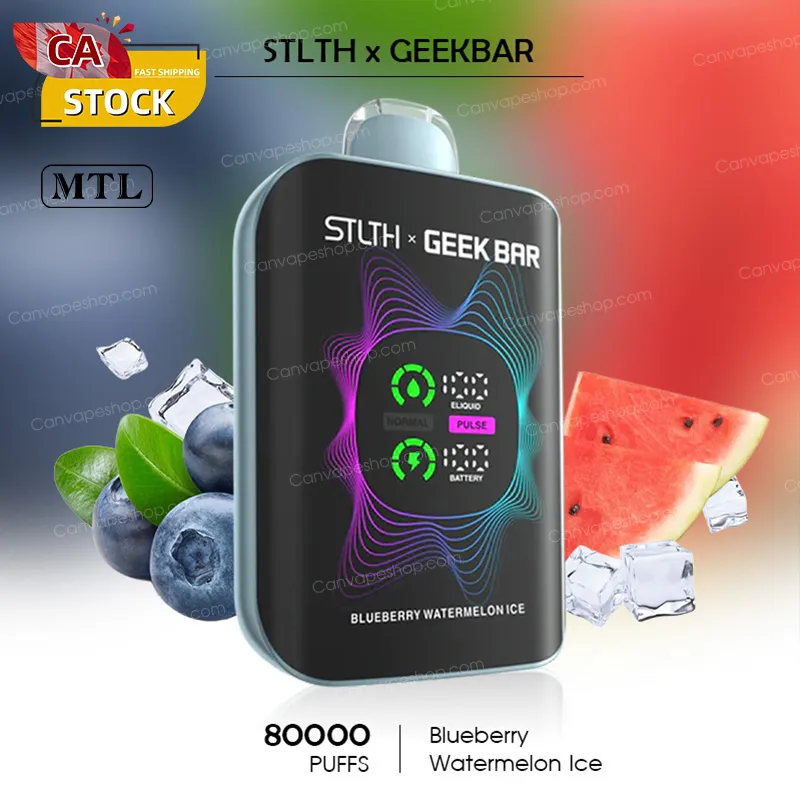
Blueberry Watermelon Ice - STLTH x GEEKBAR - 80000puffs
$42.00 CAD $55.00 CAD -
Cherry Blast Ice - STLTH x GEEKBAR - 80000 bouffées
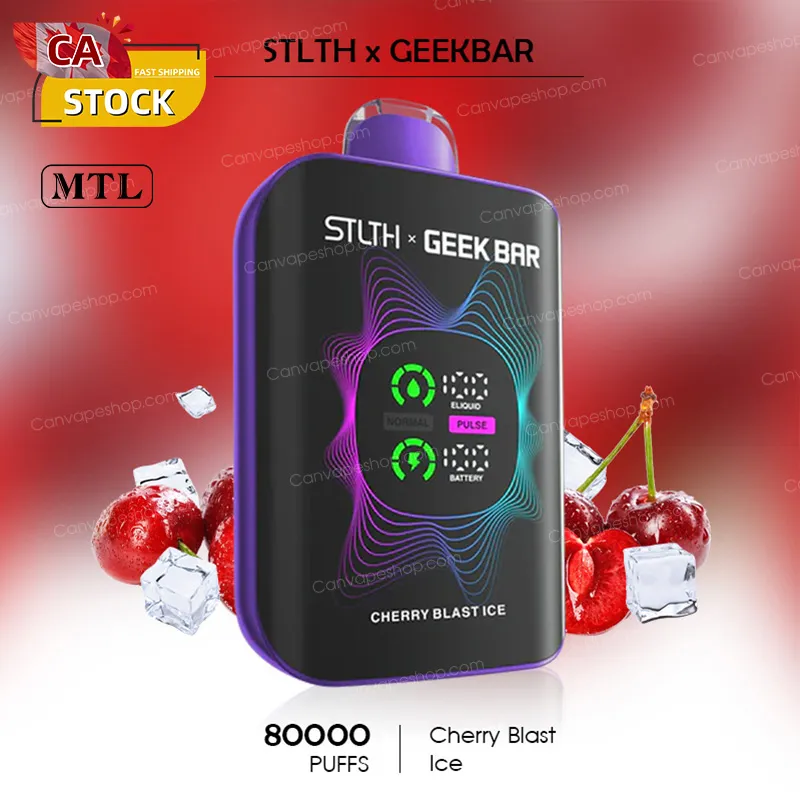
Cherry Blast Ice - STLTH x GEEKBAR - 80000 bouffées
$42.00 CAD $55.00 CAD -
Glace classique à la cerise - STLTH x GEEKBAR - 80 000 bouffées
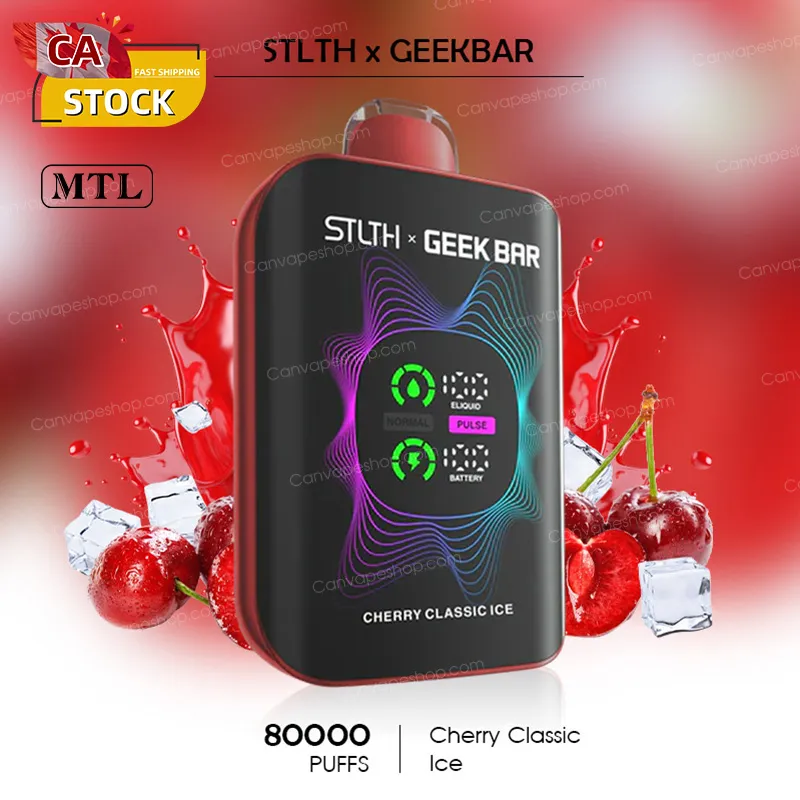
Glace classique à la cerise - STLTH x GEEKBAR - 80 000 bouffées
$42.00 CAD $55.00 CAD -
Glace à la pomme verte - STLTH x GEEKBAR - 80000 bouffées
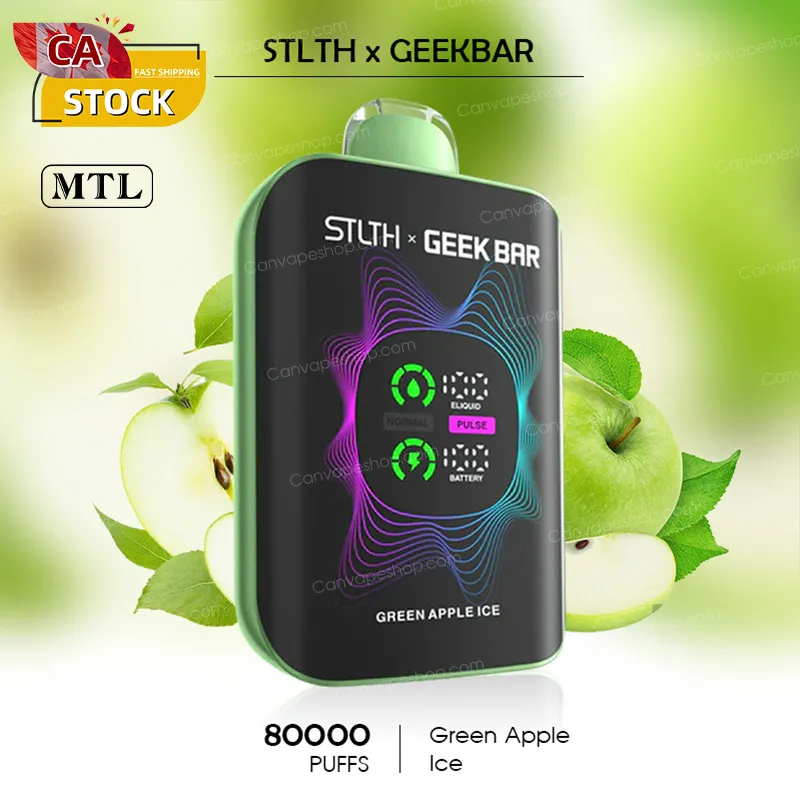
Glace à la pomme verte - STLTH x GEEKBAR - 80000 bouffées
$42.00 CAD $55.00 CAD -
Menthe glacée - STLTH x GEEKBAR - 80000 bouffées
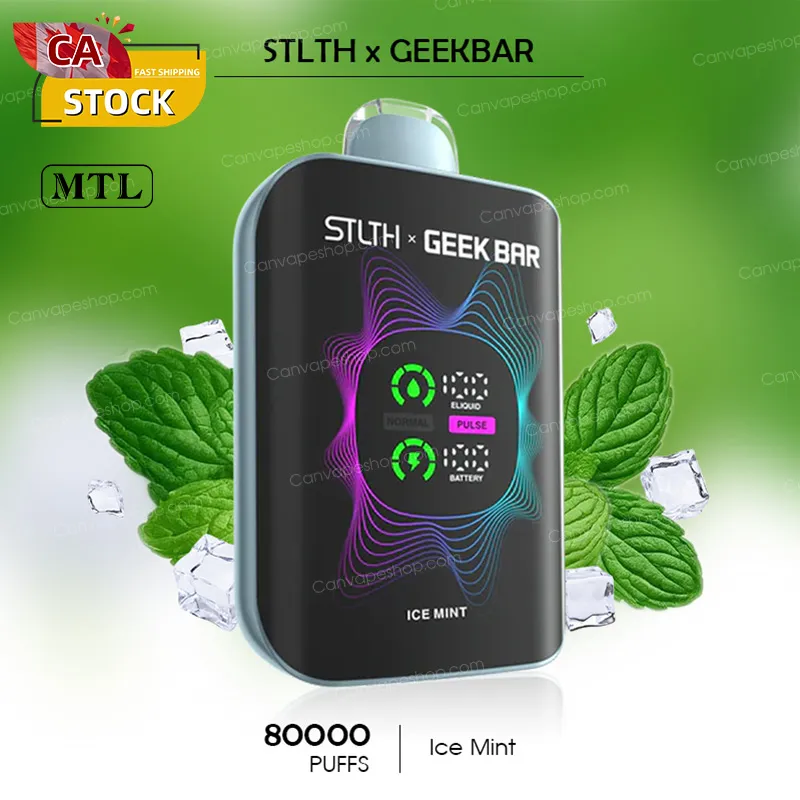
Menthe glacée - STLTH x GEEKBAR - 80000 bouffées
$42.00 CAD $55.00 CAD -
Glace au raisin violet - STLTH x GEEKBAR - 80000 bouffées
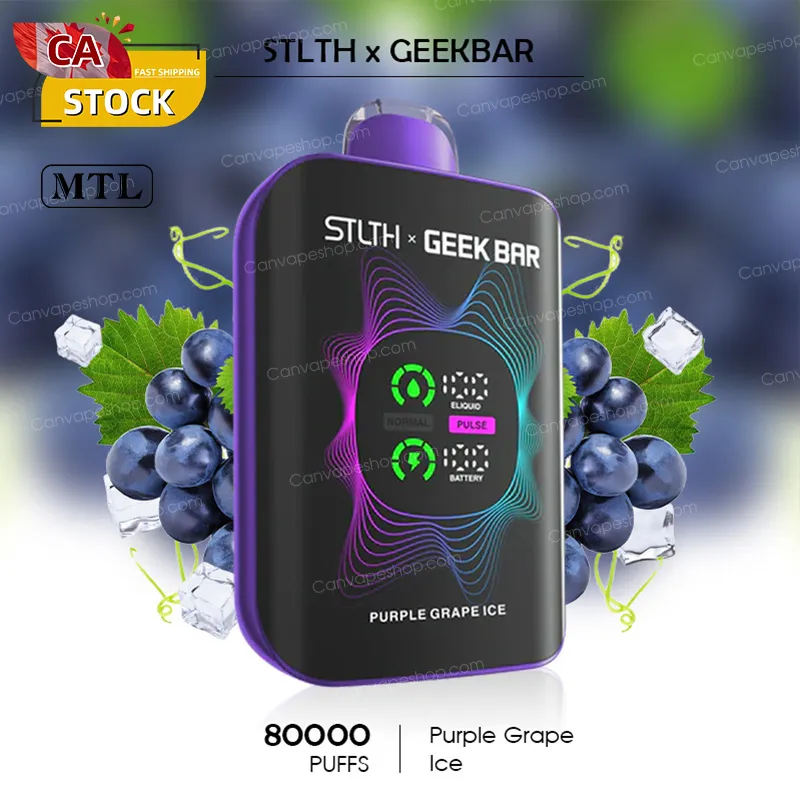
Glace au raisin violet - STLTH x GEEKBAR - 80000 bouffées
$42.00 CAD $55.00 CAD -
Sour-c Ice - STLTH x GEEKBAR - 80000 bouffées
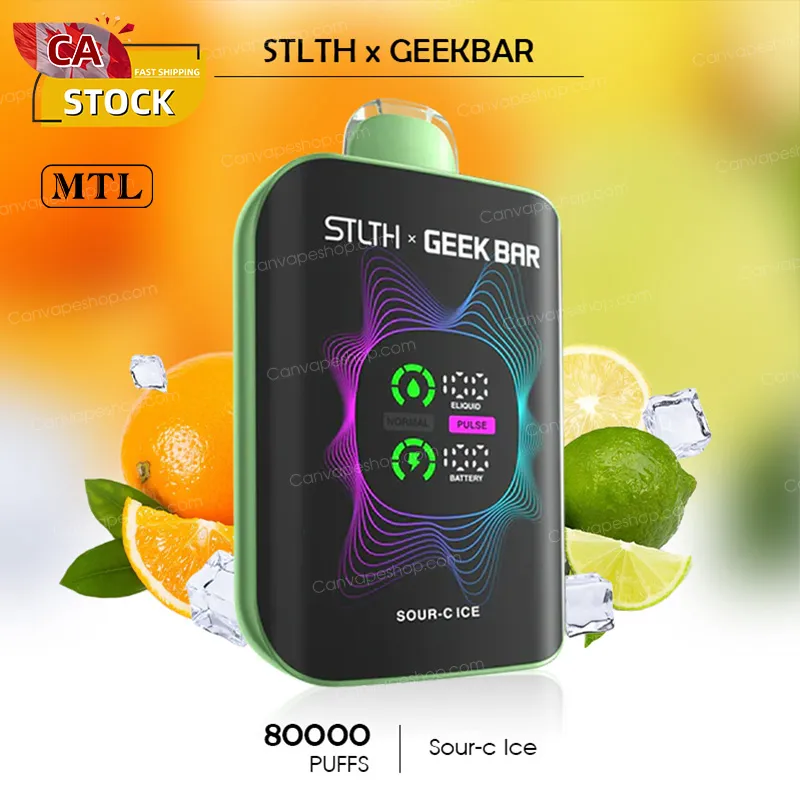
Sour-c Ice - STLTH x GEEKBAR - 80000 bouffées
$42.00 CAD $55.00 CAD -
``` Glace à la fraise et à la banane - STLTH x GEEKBAR - 80000 bouffées ```
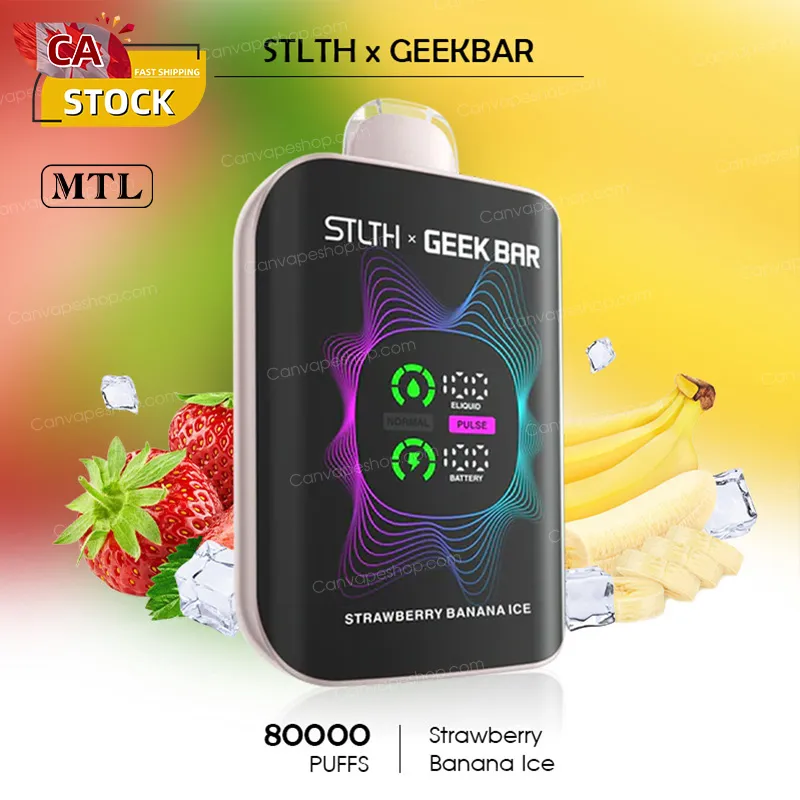
``` Glace à la fraise et à la banane - STLTH x GEEKBAR - 80000 bouffées ```
$42.00 CAD $55.00 CAD -
Wild Watermelon Ice - STLTH x GEEKBAR - 80000puffs
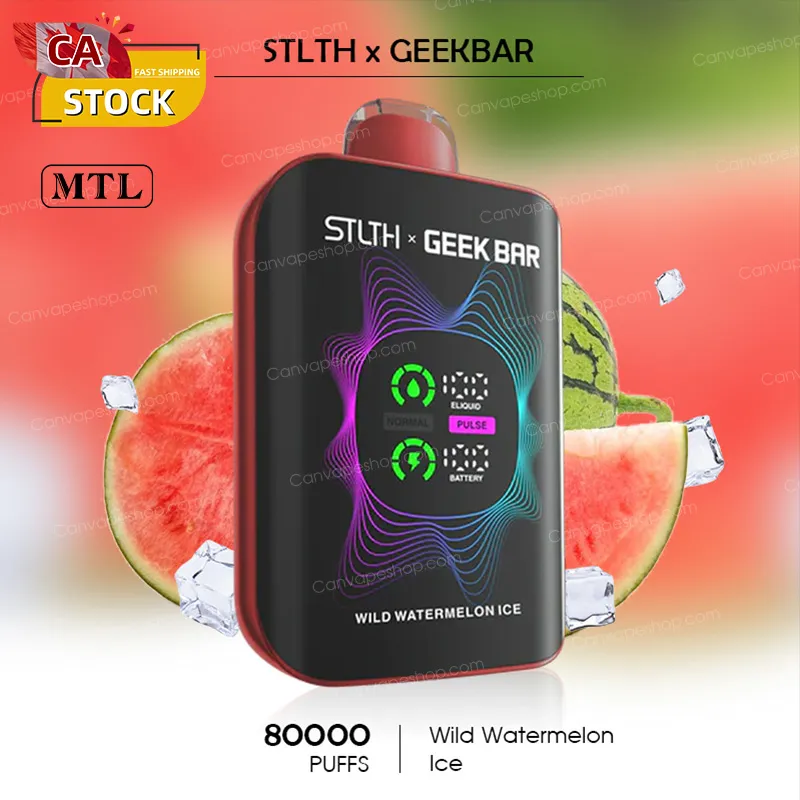
Wild Watermelon Ice - STLTH x GEEKBAR - 80000puffs
$42.00 CAD $55.00 CAD -
Glace à la mangue tropicale - STLTH x GEEKBAR - 80 000 bouffées
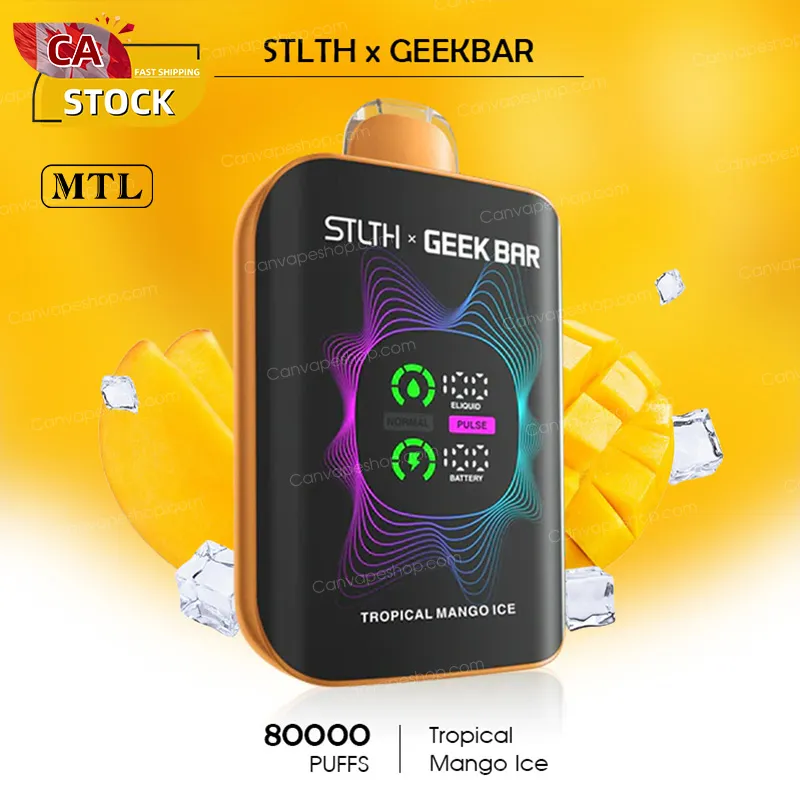
Glace à la mangue tropicale - STLTH x GEEKBAR - 80 000 bouffées
$42.00 CAD $55.00 CAD -
Rich Tobacco - STLTH x GEEKBAR - 80 000 bouffées
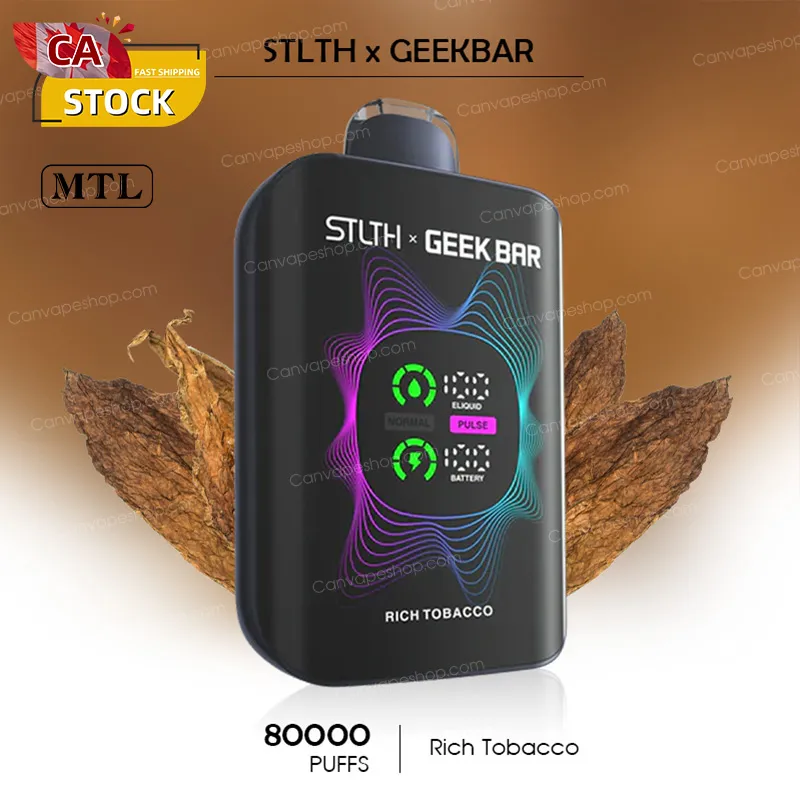
Rich Tobacco - STLTH x GEEKBAR - 80 000 bouffées
$42.00 CAD $55.00 CAD -
Glace Pêche et Baies - STLTH x GEEKBAR - 80000 bouffées
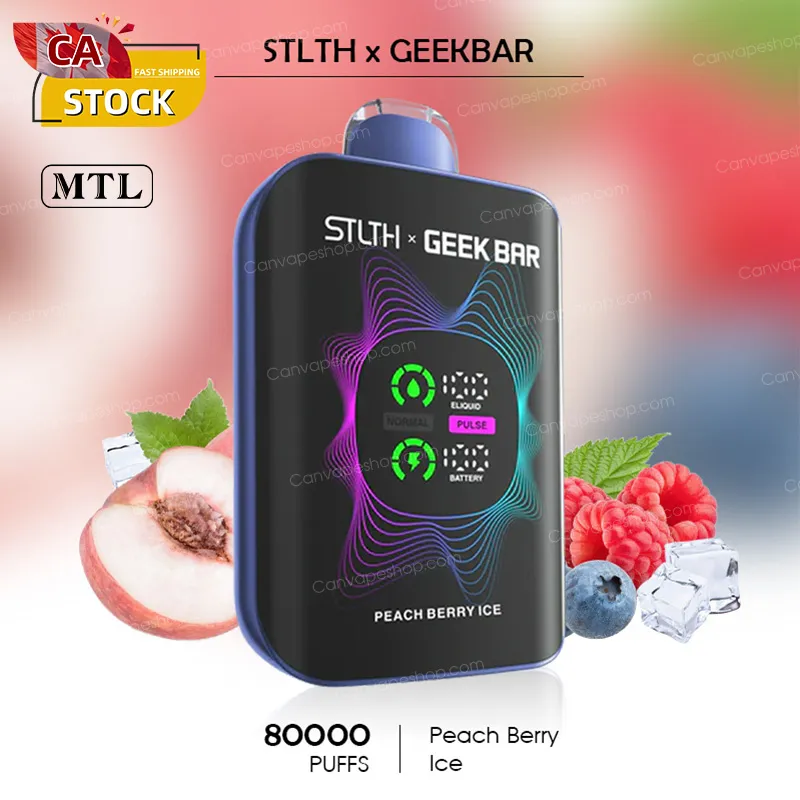
Glace Pêche et Baies - STLTH x GEEKBAR - 80000 bouffées
$42.00 CAD $55.00 CAD -
Glace à la mangue et à la pêche - STLTH x GEEKBAR - 80000puffs
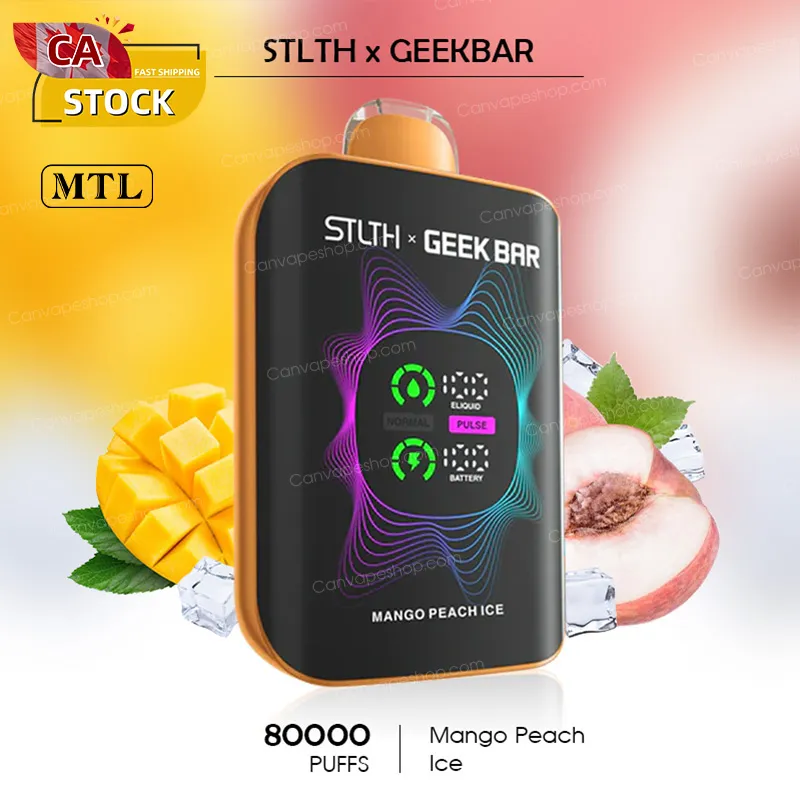
Glace à la mangue et à la pêche - STLTH x GEEKBAR - 80000puffs
$42.00 CAD $55.00 CAD -
Pêche juteuse - STLTH x GEEKBAR - 80000 bouffées
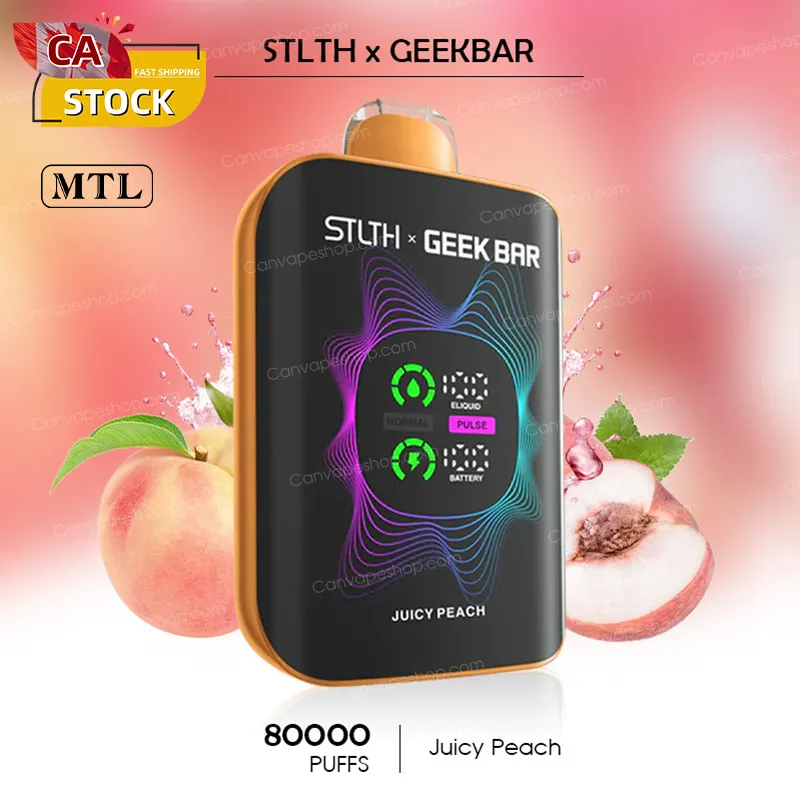
Pêche juteuse - STLTH x GEEKBAR - 80000 bouffées
$42.00 CAD $55.00 CAD -
Glace à la pêche juteuse - STLTH x GEEKBAR - 80 000 bouffées
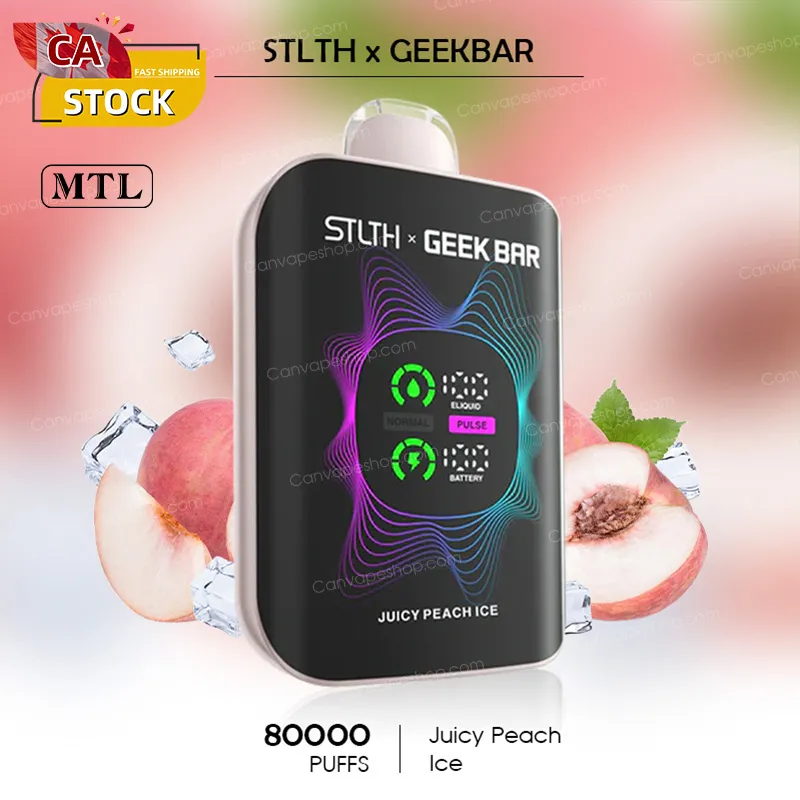
Glace à la pêche juteuse - STLTH x GEEKBAR - 80 000 bouffées
$42.00 CAD $55.00 CAD -
Coconut Ice - STLTH x GEEKBAR - 80000 bouffées
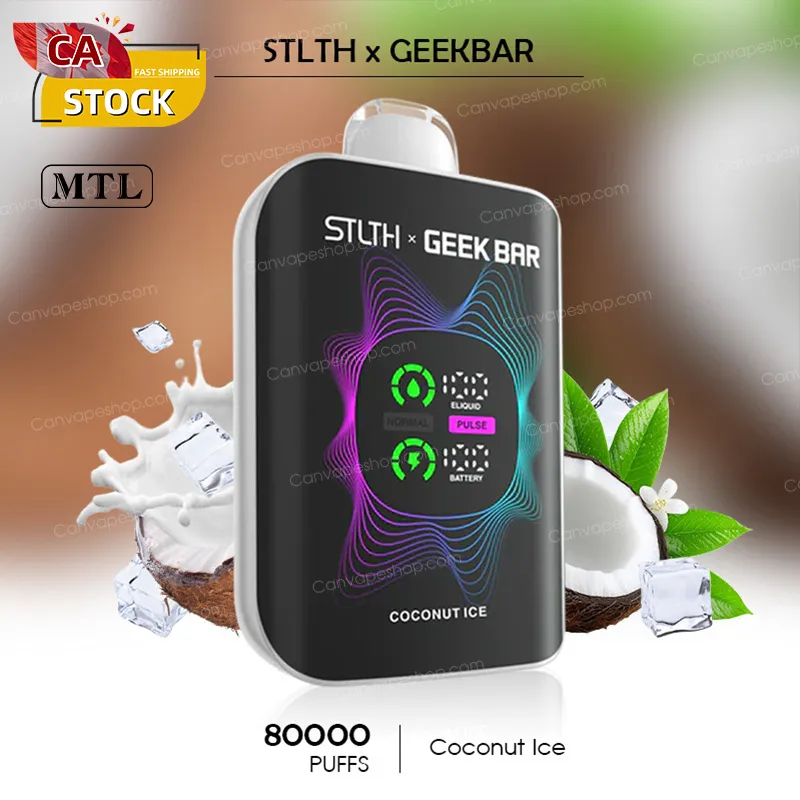
Coconut Ice - STLTH x GEEKBAR - 80000 bouffées
$42.00 CAD $55.00 CAD -
Red Punch Ice - STLTH x GEEKBAR - 80000 bouffées
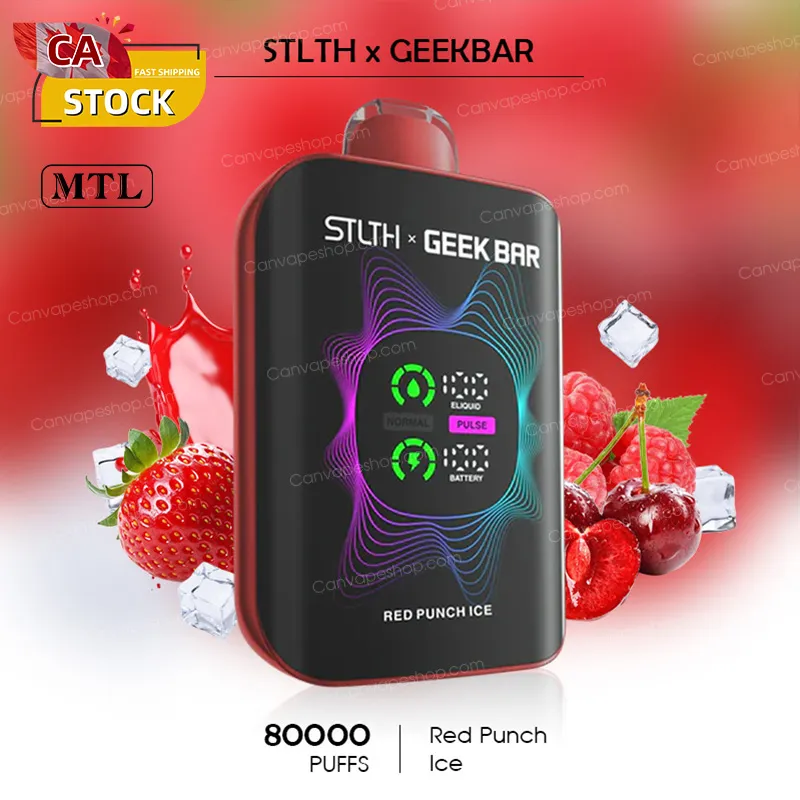
Red Punch Ice - STLTH x GEEKBAR - 80000 bouffées
$42.00 CAD $55.00 CAD -
Glace à la fraise et au kiwi - STLTH x GEEKBAR - 80000 bouffées
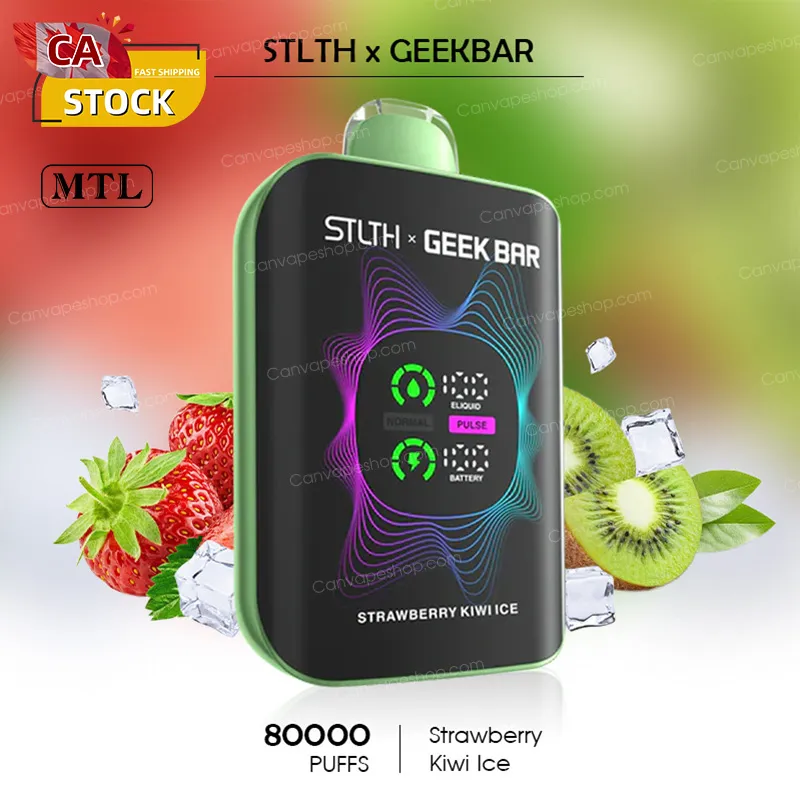
Glace à la fraise et au kiwi - STLTH x GEEKBAR - 80000 bouffées
$42.00 CAD $55.00 CAD
EMBALLER
-
STLTH x GEEKBAR - 80000puffs - Lot de 3
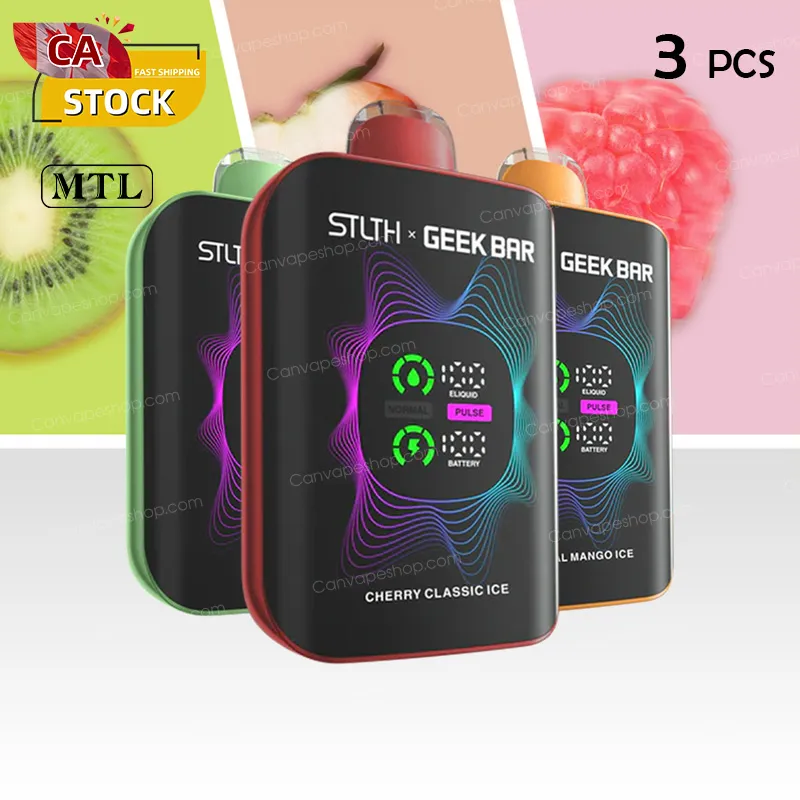 Réduction de $42.00 CAD
STLTH x GEEKBAR - 80000puffs - Lot de 3
$123.00 CAD $165.00 CAD -
STLTH x GEEKBAR - 80000puffs - Lot de 5
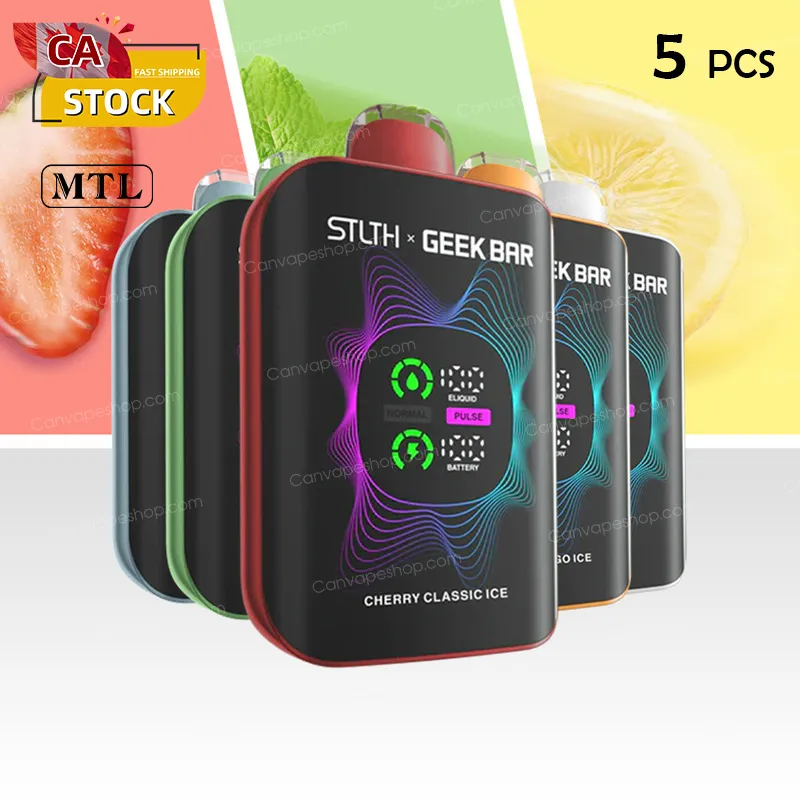
STLTH x GEEKBAR - 80000puffs - Lot de 5
$199.00 CAD $275.00 CAD -
STLTH x GEEKBAR - 80000puffs - 10 pièces
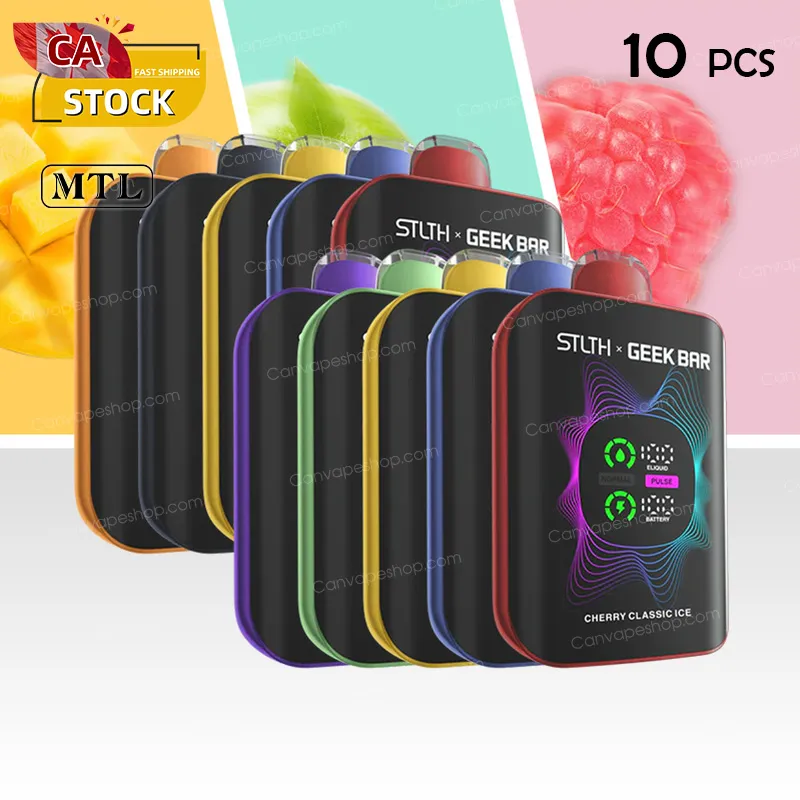
STLTH x GEEKBAR - 80000puffs - 10 pièces
$389.00 CAD $550.00 CAD
The STLTH x Geek Bar 80K offers two distinct experiences, controlled by the adjustable airflow slider:
-
Normal Mode (Efficiency): This mode uses a single coil for a smooth, consistent draw. It is optimized for daily use, conserving battery and e-liquid to maximize the 80,000 puff count.
-
Geek Bar Pulse Mode (Intensity): This mode activates the dual coils for a stronger hit, denser vapor, and a more intense flavour burst. Use this mode when you want large clouds or a bolder experience, knowing it will consume liquid and battery faster.
The device features an 820 mAh rechargeable battery and is equipped with a Type-C fast charging port (cable typically not included).
-
The battery is designed to be recharged quickly (usually 60 to 90 minutes) and multiple times throughout the life of the 30 mL e-liquid supply.
-
Safety Tip: Always use a low-power USB port (like a laptop or desktop computer) rather than a high-power fast charger to ensure battery safety.
If the device blinks after charging, the issue is likely not the battery:
-
Puff Limiter: If you took a long, continuous draw (over 7-10 seconds), the device's built-in safety cutoff may be triggered. Wait a moment and take shorter draws.
-
Error/Malfunction: The blinking may indicate an internal error or short circuit. Contact customer support immediately for assistance under the DOA warranty if the device is brand new.